 Interval Versions




Choose a Project
Community Climate Action: Annual Initiative Review is used by 0 projects across your organisations.

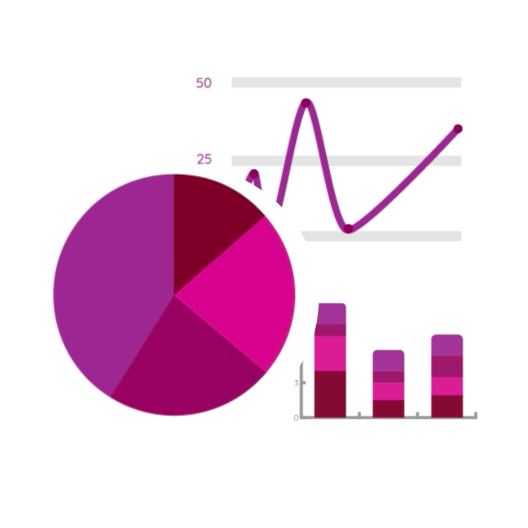
Explore bar charts, pie charts and outcome rings. Download graphs, export raw results and see tabulated responses to each question.
Understand how people’s answers change over time. Browse a table showing a row for each respondent and a column for each question time a question has been answered.
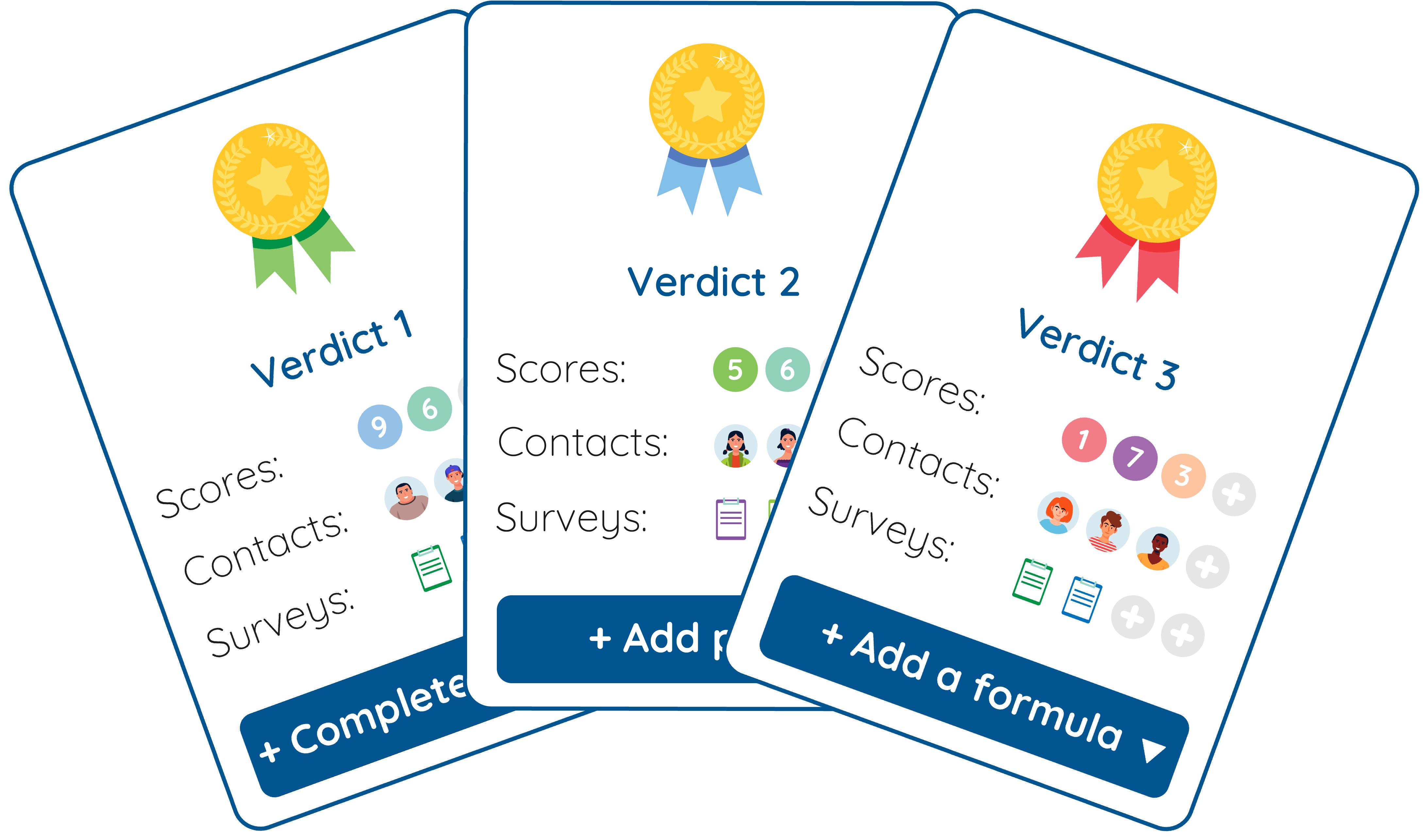
See the scores and verdicts from survey responses over time. See whose improved, worsened or stayed the same and the mean averages.
About
| Uploaded by: | Makerble Templates |
Completed once a year by the initiative lead: environmental results, community capacity and whether the initiative is self-sustaining.
Similar Surveys
-
<div>The Berkman-Syme Social Network Index (SNI) is a self-reported questionnaire for u...
-
<div>The Changes in Outlook Questionnaire (CiOQ) is a 26-item self-report instrument. I...
-
<div>The Samaritan Counselling Centre Brief Adult Outcome Questionnaire is used to asse...
Section – Local Environment
Q1.
Trees Planted This Year
Trees planted this year
Q2.
Area Under Wildlife-Friendly Management
Area under wildlife-friendly management (hectares)
Q3.
Community Green Space Created or Improved
Community green spaces created or improved this year
Q4.
Nitrogen Dioxide Levels
Average nitrogen dioxide level at monitoring points (µg/m³)
Q5.
Traffic Volume Reduction
Reduction in traffic volume at monitored points (vehicles per day)
Q6.
Species Diversity Trend
Change in species recorded compared with the baseline year
Q7.
Tree Canopy Coverage
Tree canopy coverage (%)
Q8.
Community Green Space in Good Condition
Community green spaces in good condition (%)
Section – Community Capacity
Q9.
New Leaders Emerging
New leaders who emerged this year
Q10.
New Community Groups Formed
New community groups formed this year
Q11.
Organisations Partnering
Organisations partnering with the initiative
Q12.
Initiative Self-Sustaining (single choice)
Initiative Sustainability
| 1, Not at all | 2 | 3 | 4 | 5, Completely |
Dropdown List used: Scale - Low to High - 5 options
Section – Resilience
Q13.
Initiative Still Active Without External Funding (single choice)
Self-Sustaining Initiative - Is the initiative still operating without the original grant or project funding?
| Yes | Partially | No |
Dropdown List used: Initiative Still Active Without External Funding - 3 options
Q14.
Volunteer Base Growing or Sustained (single choice)
Volunteer Base Growing or Sustained
| Growing | Stable | Declining | Initiative ended |
Dropdown List used: Volunteer Base Growing or Sustained - 4 options
Q15.
Climate Action Embedded in Local Institutions (unlimited multiple choice)
Institutional Embedding - Which local institutions have embedded climate action into their own plans or operations as a result of the initiative?
| Primary school(s) | Secondary school(s) | Local business(es) | Faith community | Housing association | Parish or town council | District or borough council | Other |
Dropdown List used: Climate Action Embedded in Local Institutions - 8 options
Q16.
Replication or Spread (single choice)
Spread of Model - Has the initiative model been adopted or replicated in other communities?
| Yes | No | In progress |
Dropdown List used: Replication or Spread - 3 options
Collect survey responses

360°
 360°

Universal
 Universal

Tracked
 Tracked

Anonymised
Anonymised

Import
 Import

API
 API

Filled in by a Colleague: 1 contact at a time
Filled in by a Colleague: 1 contact at a time

Filled in by a Colleague: Several at once
 Filled in by a Colleague: Several at once

Filled in by a Colleague: Manual Headcount
 Filled in by a Colleague: Manual Headcount

Universal Manual Headcount
 Universal Manual Headcount

Multi-stage
 Multi-stage

Branded Portal
 Branded Portal

Automation
 Automation

360° Assessment
360° Assessment