 Interval Versions




Choose a Project
Local Action Groups: Annual Group Review is used by 0 projects across your organisations.

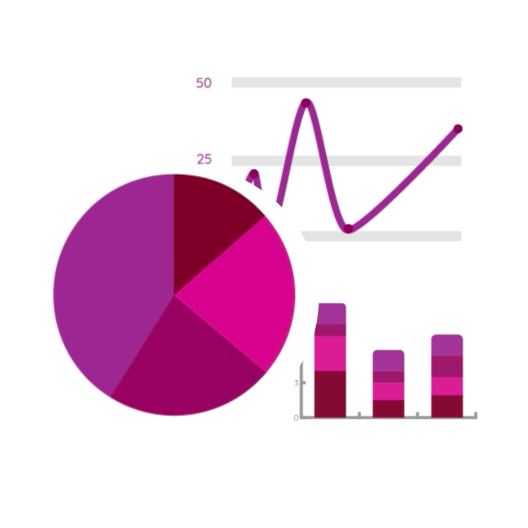
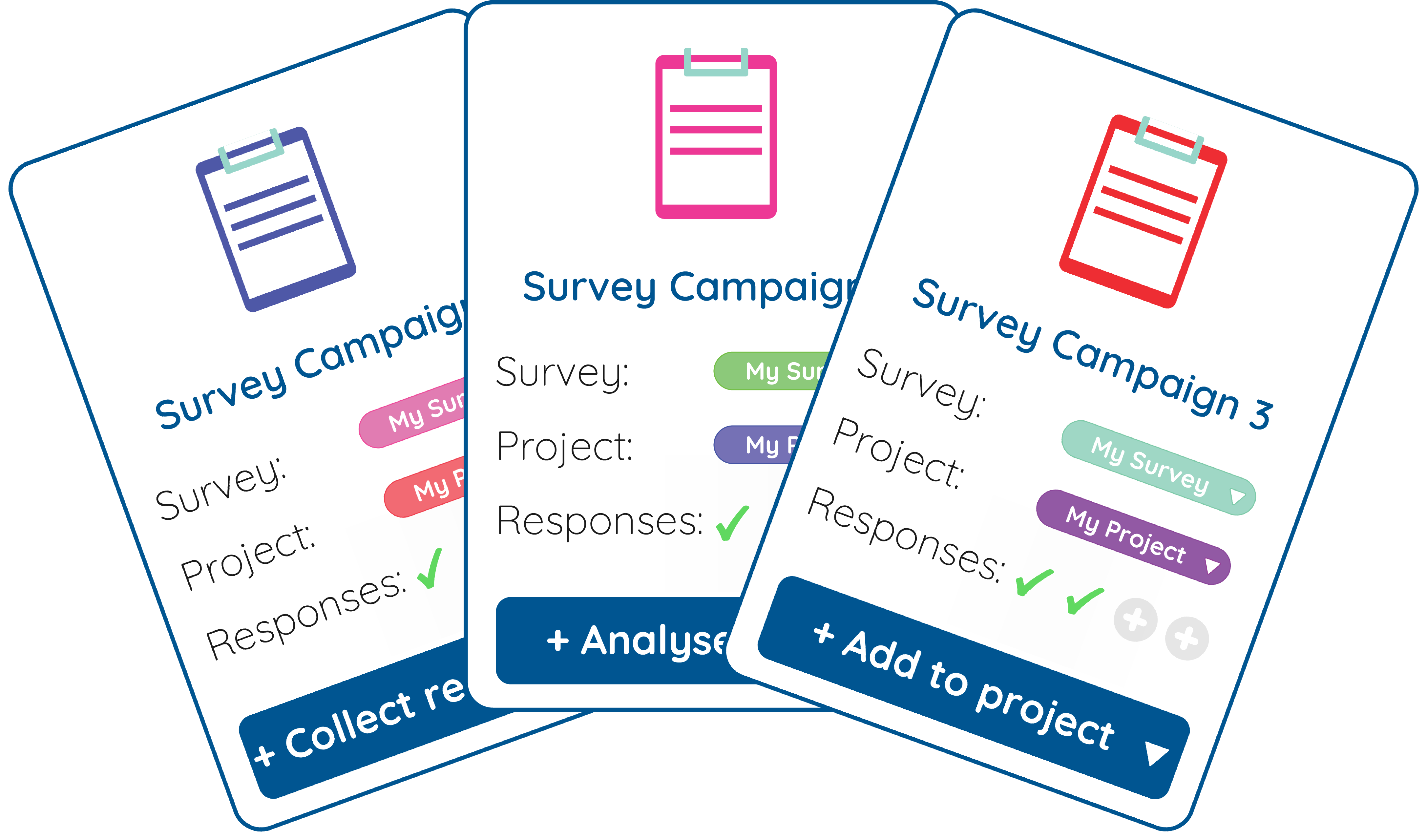
Explore bar charts, pie charts and outcome rings. Download graphs, export raw results and see tabulated responses to each question.
Understand how people’s answers change over time. Browse a table showing a row for each respondent and a column for each question time a question has been answered.
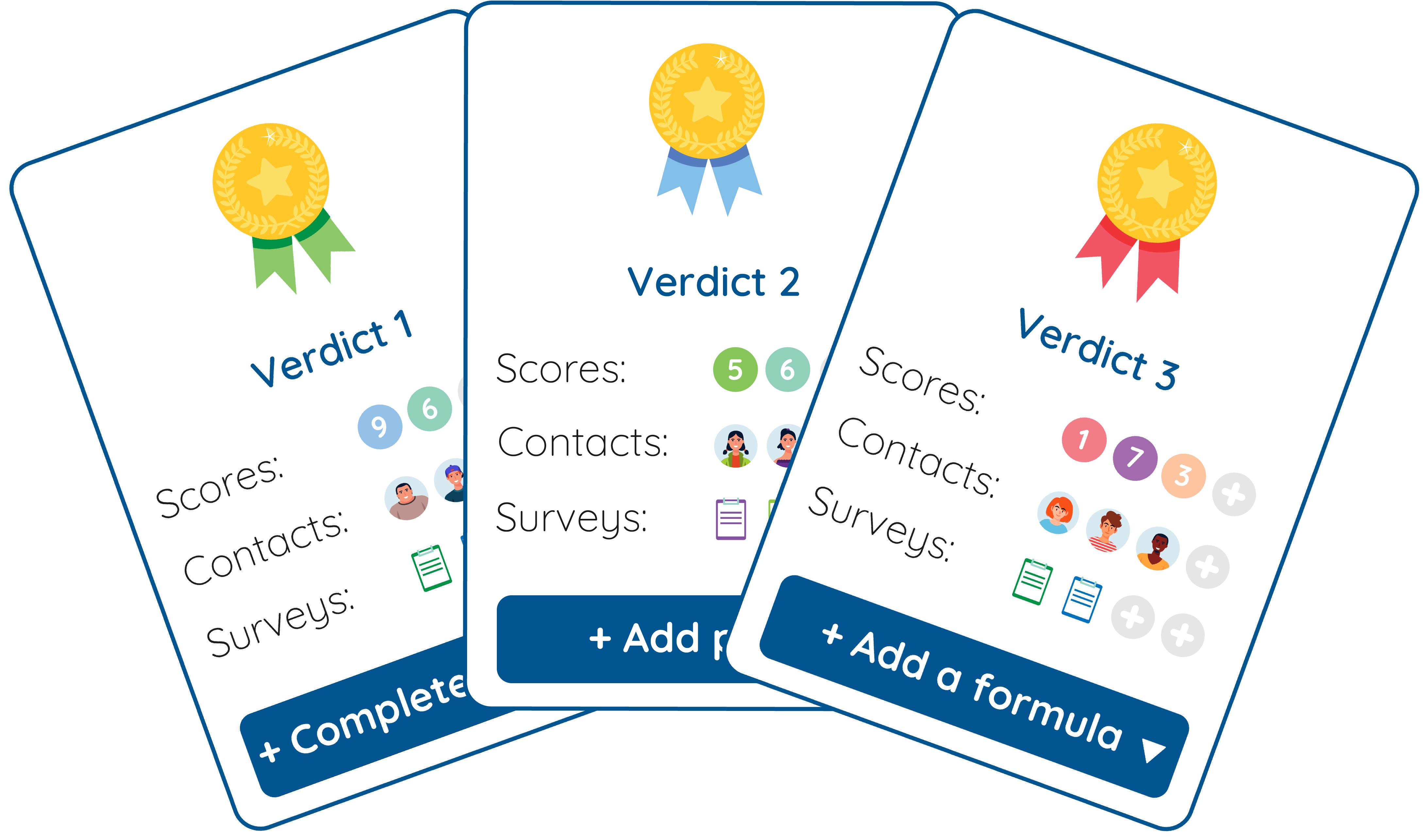
See the scores and verdicts from survey responses over time. See whose improved, worsened or stayed the same and the mean averages.
About
| Uploaded by: | Makerble Templates |
Completed once a year by the group's impact coordinator: win rate, group health, lasting change and movement building.
Similar Surveys
-
<div>This scale assesses “relational authenticity”, meaning the attitudes people have a...
-
<div>The Berkman-Syme Social Network Index (SNI) is a self-reported questionnaire for u...
-
<div>The Changes in Outlook Questionnaire (CiOQ) is a 26-item self-report instrument. I...
Section – Campaigns
Q1.
Campaign Win Rate
Concluded campaigns won or partly won (%)
Section – Group Health
Q2.
Group Still Active (single choice)
Is group still meeting and campaigning?
| Yes | No |
Dropdown List used: Yes / No - 2 options
Q3.
Core Activists
Core activists in the group
Q4.
Leadership distributed (Text)
This question will appear once within your story or survey response.
Q5.
Succession planning (Text)
This question will appear once within your story or survey response.
Q6.
Group Funds Available
Funds available to the group (£)
Section – Lasting Change
Q7.
Environmental Protections Secured
Green spaces or habitats now permanently protected
Q8.
Policy changes sustained (Text)
This question will appear once within your story or survey response.
Q9.
Community power institutionalised (Text)
This question will appear once within your story or survey response.
Section – The Group Over Time
Q10.
Group Age
How many years has the group been active?
Q11.
Leadership succession achieved (Text)
This question will appear once within your story or survey response.
Q12.
Group recognised (Text)
This question will appear once within your story or survey response.
Section – Movement Building
Q13.
New Groups Formed
New groups formed, inspired by this group
Q14.
Partner Organisations
Partner organisations the group works with
Q15.
Wider movement impact (Text)
This question will appear once within your story or survey response.
Q16.
Knowledge shared (Text)
This question will appear once within your story or survey response.
Collect survey responses

360°
 360°

Universal
 Universal

Tracked
 Tracked

Anonymised
Anonymised

Import
 Import

API
 API

Filled in by a Colleague: 1 contact at a time
Filled in by a Colleague: 1 contact at a time

Filled in by a Colleague: Several at once
 Filled in by a Colleague: Several at once

Filled in by a Colleague: Manual Headcount
 Filled in by a Colleague: Manual Headcount

Universal Manual Headcount
 Universal Manual Headcount
Multi-stage
 Multi-stage

Branded Portal
 Branded Portal

Automation
 Automation

360° Assessment
360° Assessment