 Interval Versions




Choose a Project
Refugee Integration and Solidarity: The New Home Journey Pulse is used by 0 projects across your organisations.

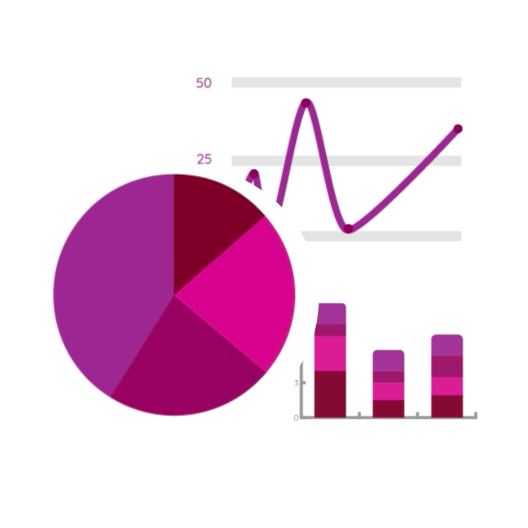
Explore bar charts, pie charts and outcome rings. Download graphs, export raw results and see tabulated responses to each question.
Understand how people’s answers change over time. Browse a table showing a row for each respondent and a column for each question time a question has been answered.
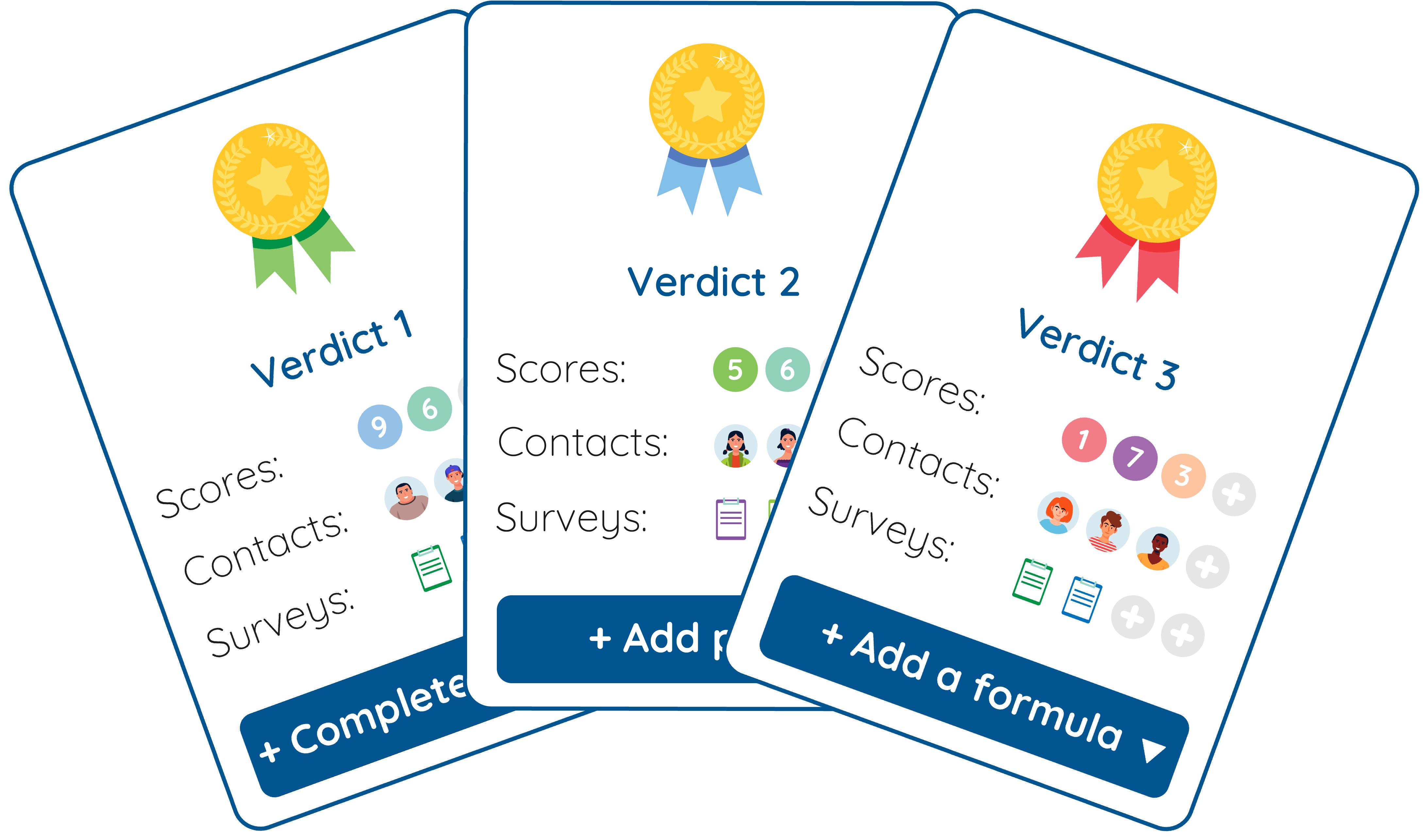
See the scores and verdicts from survey responses over time. See whose improved, worsened or stayed the same and the mean averages.
About
| Uploaded by: | Makerble Templates |
An anonymous check-in for refugees on safety, belonging and skills.
Similar Surveys
-
<div>This scale assesses “relational authenticity”, meaning the attitudes people have a...
-
<div>The Berkman-Syme Social Network Index (SNI) is a self-reported questionnaire for u...
-
<div>The Changes in Outlook Questionnaire (CiOQ) is a 26-item self-report instrument. I...
Q1.
Personal Safety and Stability (single choice)
How safe and settled do you feel in your current accommodation and local neighbourhood?
| 1, Not at all | 2 | 3 | 4 | 5 | 6 | 7 | 8 | 9 | 10, Completely |
Dropdown List used: Scale - Low to High - 10 options
Q2.
System Navigation Confidence (single choice)
How confident do you feel about using local services like the GP, post office or public transport on your own?
| 1, Not at all | 2 | 3 | 4 | 5 | 6 | 7 | 8 | 9 | 10, Completely |
Dropdown List used: Scale - Low to High - 10 options
Q3.
Language Confidence (single choice)
How confident do you feel communicating in English for daily needs (for example, shopping or asking for directions)?
| 1, Not at all | 2 | 3 | 4 | 5 | 6 | 7 | 8 | 9 | 10, Completely |
Dropdown List used: Scale - Low to High - 10 options
Q4.
Local Friendships (single choice)
Do you have friends or neighbours in the local community (outside your family) whom you could ask for help?
| None | One or two | A few | Many |
Dropdown List used: Local Friendships - 4 options
Q5.
Sense of Belonging (single choice)
How much do you feel you belong in this area?
| 1 | 2 | 3 | 4 | 5 | 6 | 7 | 8 | 9 | 10 |
| Not at all | Life-changing |
Dropdown List used: Knows Neighbors
Q6.
Engagement with Rights (single choice)
Do you feel you have the information you need to understand your legal rights and options in the UK?
| Yes | No |
Dropdown List used: Yes / No - 2 options
Q7.
Social Activity Participation (single choice)
Have you attended a community meal, group or social event in the last month?
| Yes | No |
Dropdown List used: Yes / No - 2 options
Q8.
Future Outlook (single choice)
How hopeful do you feel about your future prospects for education, work or long-term living in the UK?
| 1, Not at all | 2 | 3 | 4 | 5 | 6 | 7 | 8 | 9 | 10, Completely |
Dropdown List used: Scale - Low to High - 10 options
Q9.
Cultural Exchange (single choice)
Have you had the opportunity to share your own culture, skills or stories with others in the community?
| Yes | No |
Dropdown List used: Yes / No - 2 options
Q10.
Essential Needs Gap (single choice)
Do you currently have all the essentials you need (food, clothing, hygiene products)?
| None | A few items | Significant gap |
Dropdown List used: Essential Needs Gap - 3 options
Collect survey responses

360°
 360°

Universal
 Universal

Tracked
 Tracked

Anonymised
Anonymised

Import
 Import

API
 API

Filled in by a Colleague: 1 contact at a time
Filled in by a Colleague: 1 contact at a time

Filled in by a Colleague: Several at once
 Filled in by a Colleague: Several at once

Filled in by a Colleague: Manual Headcount
 Filled in by a Colleague: Manual Headcount

Universal Manual Headcount
 Universal Manual Headcount

Multi-stage
 Multi-stage

Branded Portal
 Branded Portal

Automation
 Automation

360° Assessment
360° Assessment