< Browse the Survey Templates + Write another survey
Refugee Integration and Solidarity: Volunteer and Host Insight Audit
 Interval Versions




Choose a Project
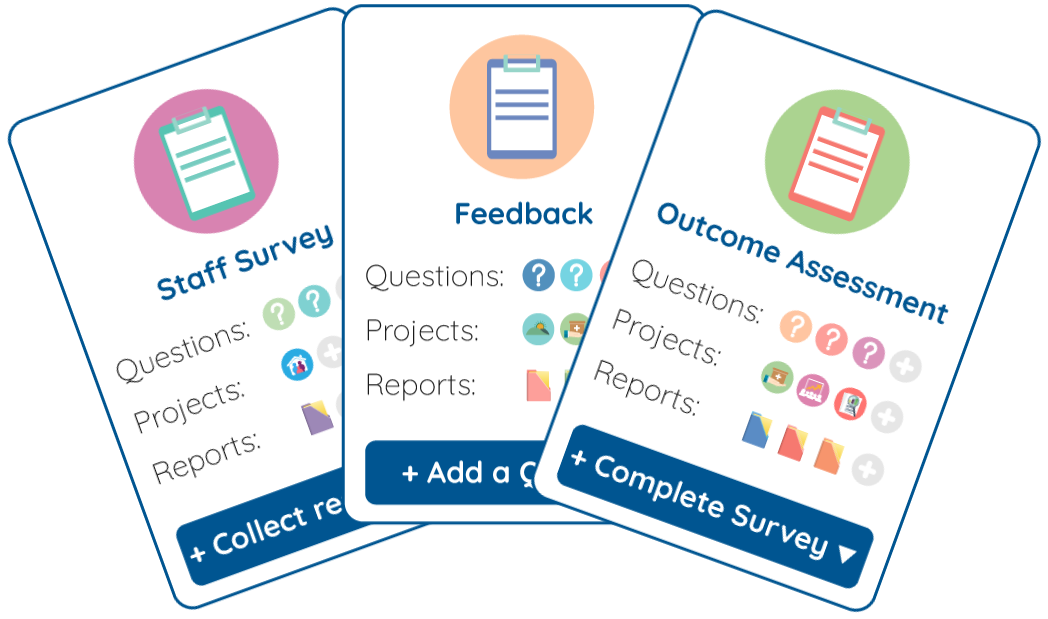
Refugee Integration and Solidarity: Volunteer and Host Insight Audit is used by 0 projects across your organisations.

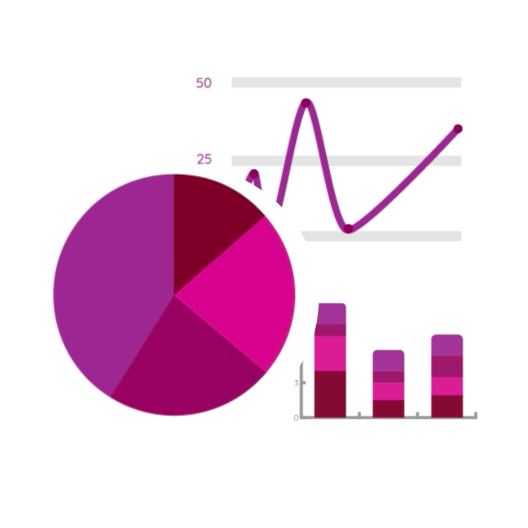
Explore bar charts, pie charts and outcome rings. Download graphs, export raw results and see tabulated responses to each question.
Understand how people’s answers change over time. Browse a table showing a row for each respondent and a column for each question time a question has been answered.
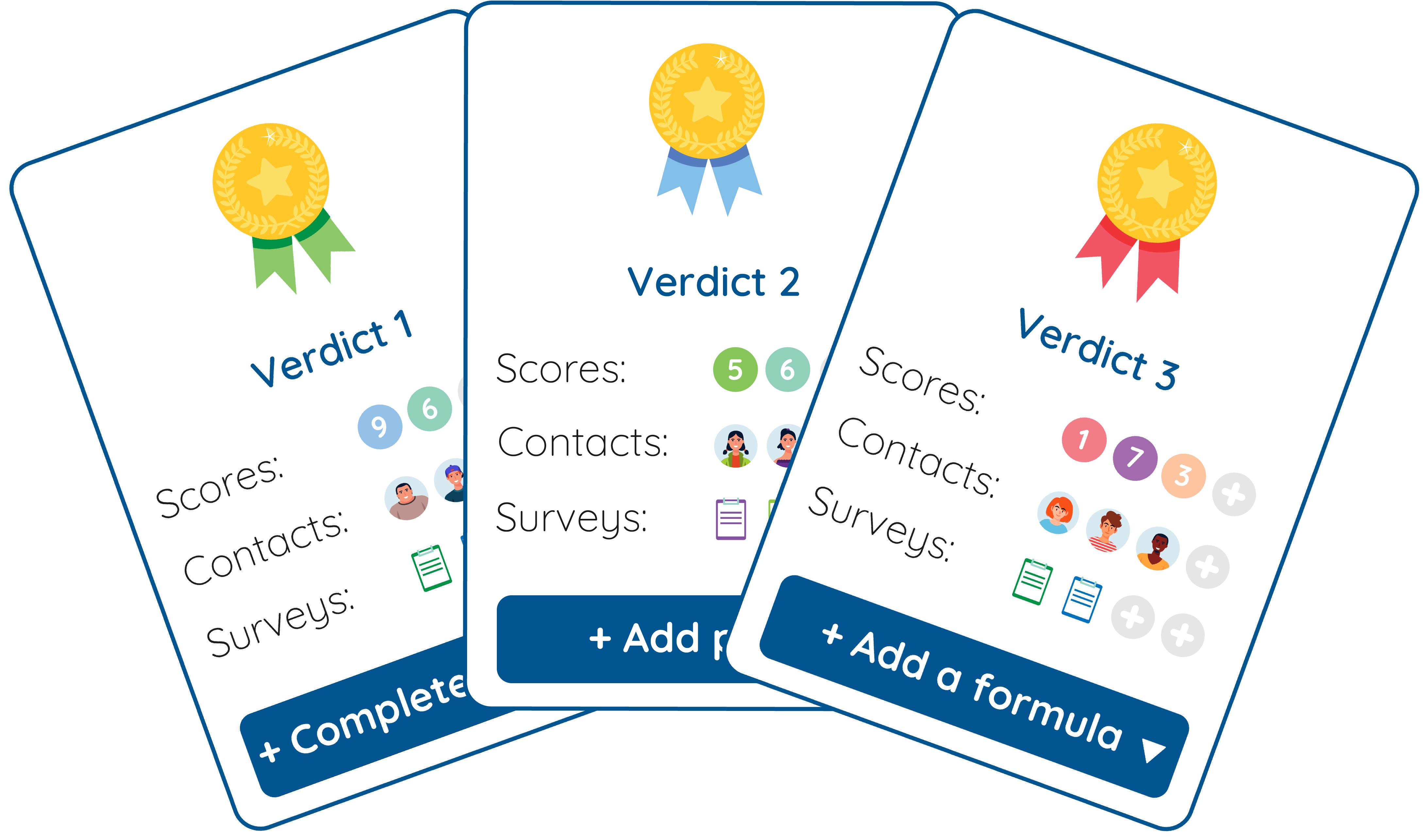
See the scores and verdicts from survey responses over time. See whose improved, worsened or stayed the same and the mean averages.
About
| Uploaded by: | Makerble Templates |
Monitor refugee progress and host-family experiences. Completed by befriending volunteers or hosts.
Similar Surveys
-
<div>This scale assesses “relational authenticity”, meaning the attitudes people have a...
-
<div>The Berkman-Syme Social Network Index (SNI) is a self-reported questionnaire for u...
-
<div>The Changes in Outlook Questionnaire (CiOQ) is a 26-item self-report instrument. I...
Q1.
Observed Autonomy (single choice)
Rate the guest's or friend's ability to handle daily tasks independently compared with when you first met.
| 1, Not at all | 2 | 3 | 4 | 5 | 6 | 7 | 8 | 9 | 10, Completely |
Dropdown List used: Scale - Low to High - 10 options
Q2.
Observed Language Progress (single choice)
How much has the individual's conversational English improved during your time together?
| 1, Not at all | 2 | 3 | 4 | 5 | 6 | 7 | 8 | 9 | 10, Completely |
Dropdown List used: Scale - Low to High - 10 options
Q3.
Social Integration Observation (single choice)
To what extent is the individual actively seeking out new social connections or local groups?
| 1, Not at all | 2 | 3 | 4 | 5 | 6 | 7 | 8 | 9 | 10, Completely |
Dropdown List used: Scale - Low to High - 10 options
Q4.
Host Placement Stability (single choice)
How would you describe the current relationship and living dynamic in the placement?
| Stable | Tension (needs support) | Unstable (mediation required) |
Dropdown List used: Host Placement Stability - 3 options
Q5.
Employment or Education Readiness (single choice)
How ready do you feel the individual is to enter formal education or work (legal status permitting)?
| 1, Not at all | 2 | 3 | 4 | 5 | 6 | 7 | 8 | 9 | 10, Completely |
Dropdown List used: Scale - Low to High - 10 options
Q6.
Proactive Help-Seeking (single choice)
How confident is the individual in asking for professional help (legal, medical or council) when they need it?
| 1, Not at all | 2 | 3 | 4 | 5 | 6 | 7 | 8 | 9 | 10, Completely |
Dropdown List used: Scale - Low to High - 10 options
Q7.
Legal or Casework Progress (single choice)
What is the status of the individual's legal or asylum casework this quarter?
| No movement | Steady progress | Completed or awaiting decision |
Dropdown List used: Legal or Casework Progress - 3 options
Q8.
Host or Volunteer Feels Supported (single choice)
How well supported do you feel by the charity team in your role as a volunteer or host?
| 1, Not at all | 2 | 3 | 4 | 5 | 6 | 7 | 8 | 9 | 10, Completely |
Dropdown List used: Scale - Low to High - 10 options
Q9.
Community Contribution (single choice)
Has the individual taken part in any volunteering or community contribution of their own?
| Yes | No |
Dropdown List used: Yes / No - 2 options
Q10.
Resilience Observation (single choice)
How effectively is the individual coping with the stresses of their situation?
| 1, Not at all | 2 | 3 | 4 | 5 | 6 | 7 | 8 | 9 | 10, Completely |
Dropdown List used: Scale - Low to High - 10 options
Collect survey responses

360°
 360°

Universal
 Universal

Tracked
 Tracked

Anonymised
Anonymised

Import
 Import

API
 API

Filled in by a Colleague: 1 contact at a time
Filled in by a Colleague: 1 contact at a time

Filled in by a Colleague: Several at once
 Filled in by a Colleague: Several at once

Filled in by a Colleague: Manual Headcount
 Filled in by a Colleague: Manual Headcount

Universal Manual Headcount
 Universal Manual Headcount

Multi-stage
 Multi-stage

Branded Portal
 Branded Portal

Automation
 Automation

360° Assessment
360° Assessment