 Interval Versions




Choose a Project
Seeker Courses: 6 and 12-Month Follow-Up is used by 0 projects across your organisations.

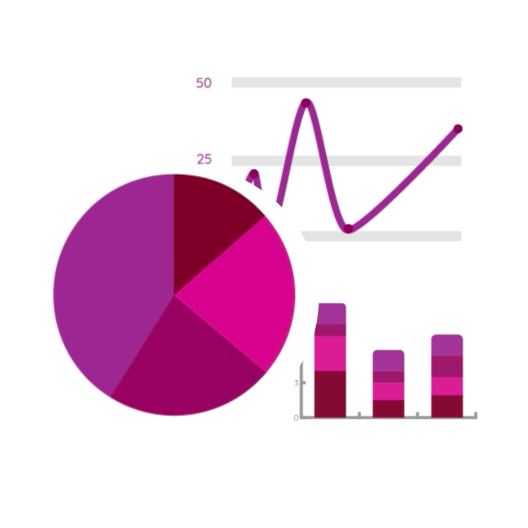
Explore bar charts, pie charts and outcome rings. Download graphs, export raw results and see tabulated responses to each question.
Understand how people’s answers change over time. Browse a table showing a row for each respondent and a column for each question time a question has been answered.
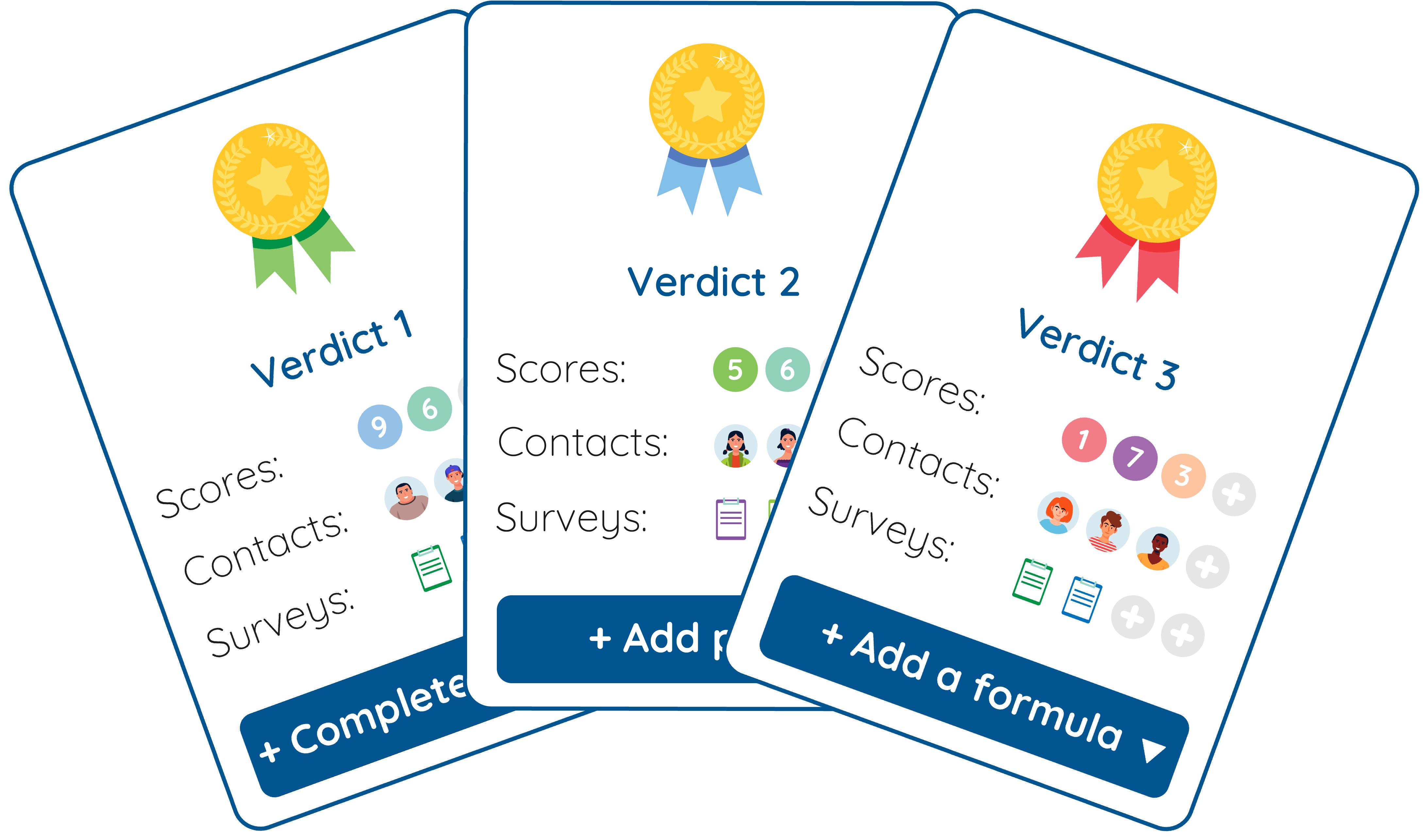
See the scores and verdicts from survey responses over time. See whose improved, worsened or stayed the same and the mean averages.
About
| Uploaded by: | Makerble Templates |
Six and twelve months after the course: faith, church, purpose, hope and flourishing, plus inviting others at 12 months.
Similar Surveys
-
<div>The Berkman-Syme Social Network Index (SNI) is a self-reported questionnaire for u...
-
<div>The Changes in Outlook Questionnaire (CiOQ) is a 26-item self-report instrument. I...
-
<div>The Samaritan Counselling Centre Brief Adult Outcome Questionnaire is used to asse...
Section – Faith
Q1.
Faith is Growing (single choice)
How would you rate your spiritual growth since the course?
| 1, Not at all | 2 | 3 | 4 | 5 | 6 | 7 | 8 | 9 | 10, Completely |
Dropdown List used: Scale - Low to High - 10 options
Q2.
Confidence in Faith (single choice)
How confident do you feel in your faith?
| 1, Not at all | 2 | 3 | 4 | 5 | 6 | 7 | 8 | 9 | 10, Completely |
Dropdown List used: Scale - Low to High - 10 options
Q3.
Praying Regularly (single choice)
Are you praying regularly?
| Yes | Sometimes | No |
Dropdown List used: Praying Regularly - 3 options
Q4.
Reading Bible (single choice)
Are you reading the Bible?
| Yes | Sometimes | No |
Dropdown List used: Reading Bible - 3 options
Q5.
Sharing Faith with Others (single choice)
Have you shared your faith with anyone?
| Yes | No |
Dropdown List used: Yes / No - 2 options
Section – Church
Q6.
Attending Church (single choice)
Are you attending church?
| Yes | Sometimes | No |
Dropdown List used: Attending Church - 3 options
Q7.
In a Small Group (single choice)
Are you in a small group?
| Yes | No |
Dropdown List used: Yes / No - 2 options
Q8.
Serving in Church (single choice)
Are you serving at church?
| Yes | No |
Dropdown List used: Yes / No - 2 options
Q9.
Feel Part of Church Community (single choice)
How much do you feel part of the church community?
| 1, Not at all | 2 | 3 | 4 | 5 | 6 | 7 | 8 | 9 | 10, Completely |
Dropdown List used: Scale - Low to High - 10 options
Section – Life
Q10.
Feels Life Has Purpose (single choice)
How much purpose do you feel in your life?
| 1, Not at all | 2 | 3 | 4 | 5 | 6 | 7 | 8 | 9 | 10, Completely |
Dropdown List used: Scale - Low to High - 10 options
Q11.
Hopefulness (single choice)
How hopeful do you feel about life?
| 1, Not at all | 2 | 3 | 4 | 5 | 6 | 7 | 8 | 9 | 10, Completely |
Dropdown List used: Scale - Low to High - 10 options
Q12.
Life is Flourishing (single choice)
How much is your life flourishing?
| 1, Not at all | 2 | 3 | 4 | 5 | 6 | 7 | 8 | 9 | 10, Completely |
Dropdown List used: Scale - Low to High - 10 options
Section – 12 Months Only
Q13.
Invited Someone to Church or Course (single choice)
Have you invited anyone to church or a course?
| Yes | No |
Dropdown List used: Yes / No - 2 options
Q14.
Helping to Run a Course (single choice)
Are you helping to run a course?
| Yes | No |
Dropdown List used: Yes / No - 2 options
Q15.
Would Recommend the Course (single choice)
Would you recommend the course to someone exploring faith?
| Yes | Maybe | No |
Dropdown List used: Would Recommend Course - 3 options
Collect survey responses

360°
 360°

Universal
 Universal

Tracked
 Tracked

Anonymised
Anonymised

Import
 Import

API
 API

Filled in by a Colleague: 1 contact at a time
Filled in by a Colleague: 1 contact at a time

Filled in by a Colleague: Several at once
 Filled in by a Colleague: Several at once

Filled in by a Colleague: Manual Headcount
 Filled in by a Colleague: Manual Headcount

Universal Manual Headcount
 Universal Manual Headcount

Multi-stage
 Multi-stage

Branded Portal
 Branded Portal

Automation
 Automation

360° Assessment
360° Assessment