 Interval Versions




Choose a Project
Training and Professional Development: 6-Month Follow-Up is used by 0 projects across your organisations.

Explore bar charts, pie charts and outcome rings. Download graphs, export raw results and see tabulated responses to each question.
Understand how people’s answers change over time. Browse a table showing a row for each respondent and a column for each question time a question has been answered.
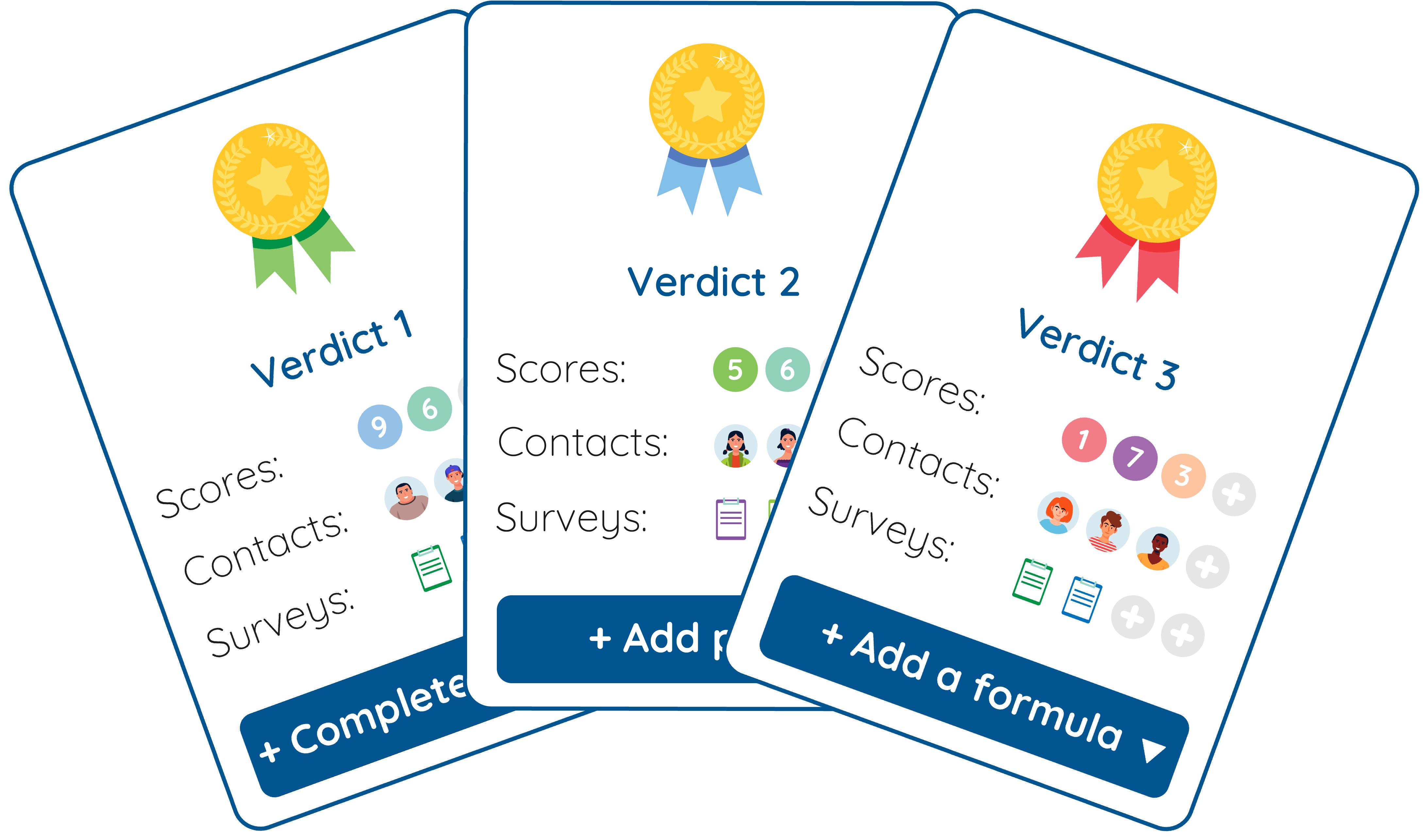
See the scores and verdicts from survey responses over time. See whose improved, worsened or stayed the same and the mean averages.
About
| Uploaded by: | Makerble Templates |
Six months after the course: sustained practice, results for the organisation, value for money and success cases.
Similar Surveys
-
<div>The Pastoral Counselling Center- Brief Adolescent Outcome Behaviour questionnaire ...
-
<div>This survey is ideal for schools, colleges, training providers, and career service...
-
<div>This survey is designed to capture the employer experience when engaging with appr...
Section – Sustained Practice
Q1.
Still Applying Learning (single choice)
Are you still using the skills or knowledge from this course?
| Yes - regularly | Yes - occasionally | No longer using |
Dropdown List used: Still Applying Learning - 3 options
Q2.
Behaviour Change Embedded (single choice)
How embedded are the new skills or behaviours in your regular work?
| 1, Not at all | 2 | 3 | 4 | 5 | 6 | 7 | 8 | 9 | 10, Completely |
Dropdown List used: Scale - Low to High - 10 options
Q3.
Specific Skill Confidence (1–10) (single choice)
How confident do you feel in the topic of this course?
| 1, Not at all | 2 | 3 | 4 | 5 | 6 | 7 | 8 | 9 | 10, Completely |
Dropdown List used: Scale - Low to High - 10 options
Section – Results
Q4.
Work Performance Improved (single choice)
How much has this course improved your work performance or effectiveness?
| 1, Not at all | 2 | 3 | 4 | 5 | 6 | 7 | 8 | 9 | 10, Completely |
Dropdown List used: Scale - Low to High - 10 options
Q5.
Organisational Outcomes (single choice)
Has applying what you learned led to measurable results for your organisation?
| Yes | No |
Dropdown List used: Yes / No - 2 options
Q6.
Time Saved
Roughly how many hours per week has this course saved you or your team?
Q7.
Quality Improvement (single choice)
How much has the quality of your work in [topic area] improved since the course?
| 1, Not at all | 2 | 3 | 4 | 5 | 6 | 7 | 8 | 9 | 10, Completely |
Dropdown List used: Scale - Low to High - 10 options
Q8.
Team or Organisational Impact (single choice)
How much impact has applying this learning had on your team or organisation?
| 1, Not at all | 2 | 3 | 4 | 5 | 6 | 7 | 8 | 9 | 10, Completely |
Dropdown List used: Scale - Low to High - 10 options
Q9.
Beneficiary or Service User Impact (single choice)
How much has this course improved outcomes for the people your organisation serves?
| 1, Not at all | 2 | 3 | 4 | 5 | 6 | 7 | 8 | 9 | 10, Completely |
Dropdown List used: Scale - Low to High - 10 options
Section – Value
Q10.
Value for Money (single choice)
Thinking about the time and cost of this course, how good was the value for money?
| 1, Not at all | 2 | 3 | 4 | 5 | 6 | 7 | 8 | 9 | 10, Completely |
Dropdown List used: Scale - Low to High - 10 options
Q11.
Would Invest Again (single choice)
Would you invest in this course again knowing the outcomes?
| Yes | Maybe | No |
Dropdown List used: Would Invest Again - 3 options
Section – Retention and Development
Q12.
Knowledge Retained (single choice)
How much of what you learned do you still remember and understand?
| 1, Not at all | 2 | 3 | 4 | 5 | 6 | 7 | 8 | 9 | 10, Completely |
Dropdown List used: Scale - Low to High - 10 options
Q13.
Shared Learning (single choice)
Have you shared what you learned with colleagues or your team?
| Yes | No |
Dropdown List used: Yes / No - 2 options
Q14.
Continued Development (single choice)
Have you pursued further learning or development in this area since the course?
| Yes | No |
Dropdown List used: Yes / No - 2 options
Section – Sharing Your Story
Q15.
Phone number or preferred contact method (Text)
This question will appear once within your story or survey response.
Section – Final Reflection
Q16.
Overall difference made (Text)
This question will appear once within your story or survey response.
Collect survey responses

360°
 360°

Universal
 Universal

Tracked
 Tracked

Anonymised
Anonymised

Import
 Import

API
 API

Filled in by a Colleague: 1 contact at a time
Filled in by a Colleague: 1 contact at a time

Filled in by a Colleague: Several at once
 Filled in by a Colleague: Several at once

Filled in by a Colleague: Manual Headcount
 Filled in by a Colleague: Manual Headcount

Universal Manual Headcount
 Universal Manual Headcount

Multi-stage
 Multi-stage

Branded Portal
 Branded Portal

Automation
 Automation

360° Assessment
360° Assessment