 Interval Versions




Choose a Project
Apprenticeships: Apprentice 6-Month Check-In is used by 0 projects across your organisation.

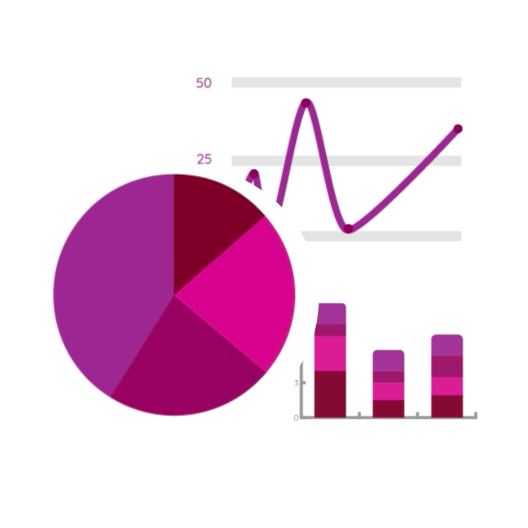
Explore bar charts, pie charts and outcome rings. Download graphs, export raw results and see tabulated responses to each question.
Understand how people’s answers change over time. Browse a table showing a row for each respondent and a column for each question time a question has been answered.
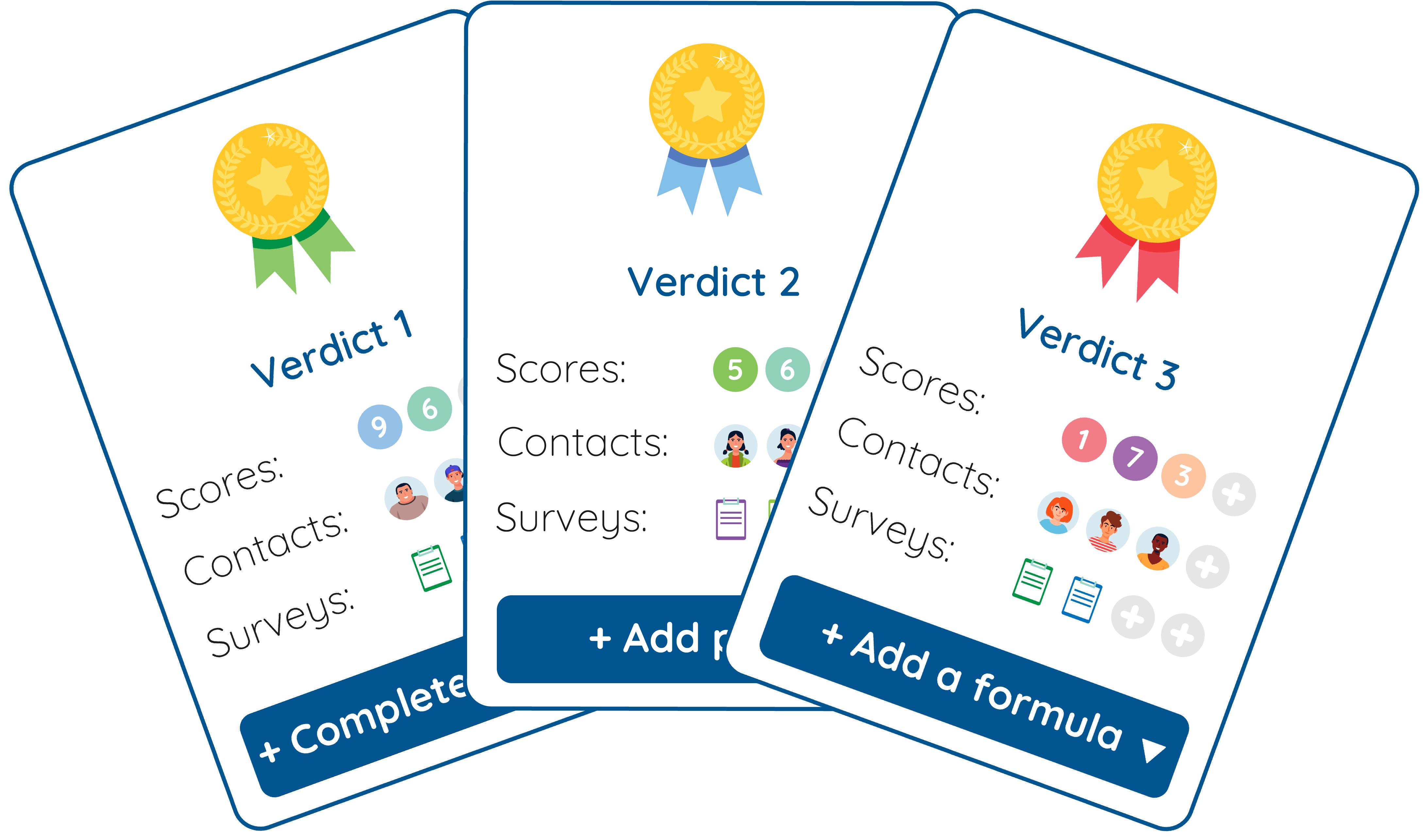
See the scores and verdicts from survey responses over time. See whose improved, worsened or stayed the same and the mean averages.
About
| Uploaded by: | Makerble Templates |
Six months in: skills progress, qualification progress, programme quality and any challenges.
Similar Surveys
-
<div>The Pastoral Counselling Center- Brief Adolescent Outcome Behaviour questionnaire ...
-
<div>The Adolescent Wellbeing Scale was devised by Birleson to pick up possible depress...
-
<div>This brief questionnaire asks about some of the most commonly reported thoughts, f...
Section – Skills Progress
Q1.
Technical Skills Progress (single choice)
How would you rate your technical skills for this role?
| 1, Not at all | 2 | 3 | 4 | 5 | 6 | 7 | 8 | 9 | 10, Completely |
Dropdown List used: Scale - Low to High - 10 options
Q2.
Workplace Confidence (single choice)
How confident do you feel in the workplace?
| 1, Not at all | 2 | 3 | 4 | 5 | 6 | 7 | 8 | 9 | 10, Completely |
Dropdown List used: Scale - Low to High - 10 options
Q3.
Professional Identity (single choice)
How much do you feel like a professional in your field?
| 1, Not at all | 2 | 3 | 4 | 5 | 6 | 7 | 8 | 9 | 10, Completely |
Dropdown List used: Scale - Low to High - 10 options
Q4.
Specific Skills Gained (single choice)
Which skills have you developed so far?
| Communication | Teamwork | Problem-solving | Time management | Customer service | Technical skills for the role |
Dropdown List used: Specific Skills Gained - 6 options
Q5.
Qualification Progress (single choice)
Is the apprentice on track with their qualification?
| On track | At risk | Behind |
Dropdown List used: Qualification Progress - 3 options
Section – Your Apprenticeship
Q6.
Apprentice Satisfaction (single choice)
How satisfied are you with your apprenticeship?
| 1, Not at all | 2 | 3 | 4 | 5 | 6 | 7 | 8 | 9 | 10, Completely |
Dropdown List used: Scale - Low to High - 10 options
Q7.
Manager Effectiveness (single choice)
How supported do you feel by your manager?
| 1, Not at all | 2 | 3 | 4 | 5 | 6 | 7 | 8 | 9 | 10, Completely |
Dropdown List used: Scale - Low to High - 10 options
Q8.
Training Quality (single choice)
How useful is your training?
| 1, Not at all | 2 | 3 | 4 | 5 | 6 | 7 | 8 | 9 | 10, Completely |
Dropdown List used: Scale - Low to High - 10 options
Section – Challenges
Q9.
Issues and Support (single choice)
If you've faced challenges, did you get support?
| Yes | No | N/A |
Dropdown List used: Issues and Support - 3 options
Q10.
What could be improved (Text)
This question will appear once within your story or survey response.
Collect survey responses

360°
 360°

Universal
 Universal

Tracked
 Tracked

Anonymised
Anonymised

Import
 Import

API
 API

Filled in by a Colleague: 1 contact at a time
Filled in by a Colleague: 1 contact at a time

Filled in by a Colleague: Several at once
 Filled in by a Colleague: Several at once

Filled in by a Colleague: Manual Headcount
 Filled in by a Colleague: Manual Headcount

Universal Manual Headcount
 Universal Manual Headcount

Multi-stage
 Multi-stage

Branded Portal
 Branded Portal

Automation
 Automation

360° Assessment
360° Assessment