 Interval Versions




Choose a Project
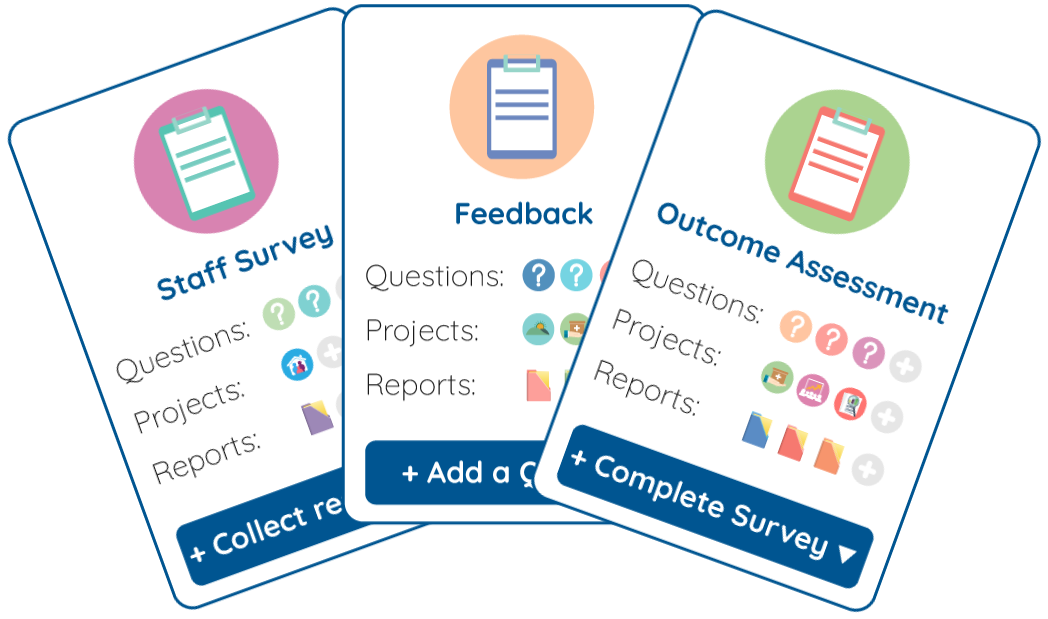
Reverse Mentoring: Young Mentor Check-In is used by 0 projects across your organisations.

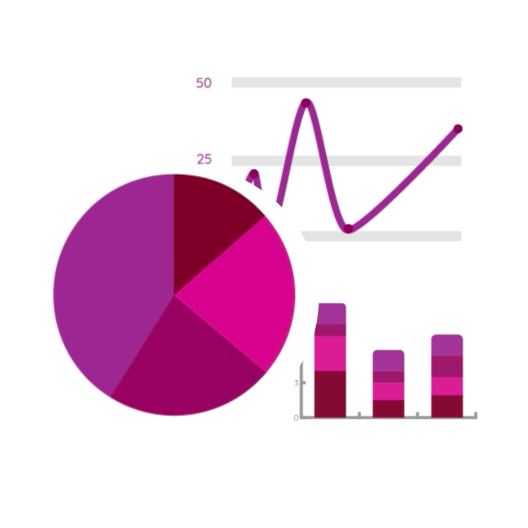
Explore bar charts, pie charts and outcome rings. Download graphs, export raw results and see tabulated responses to each question.
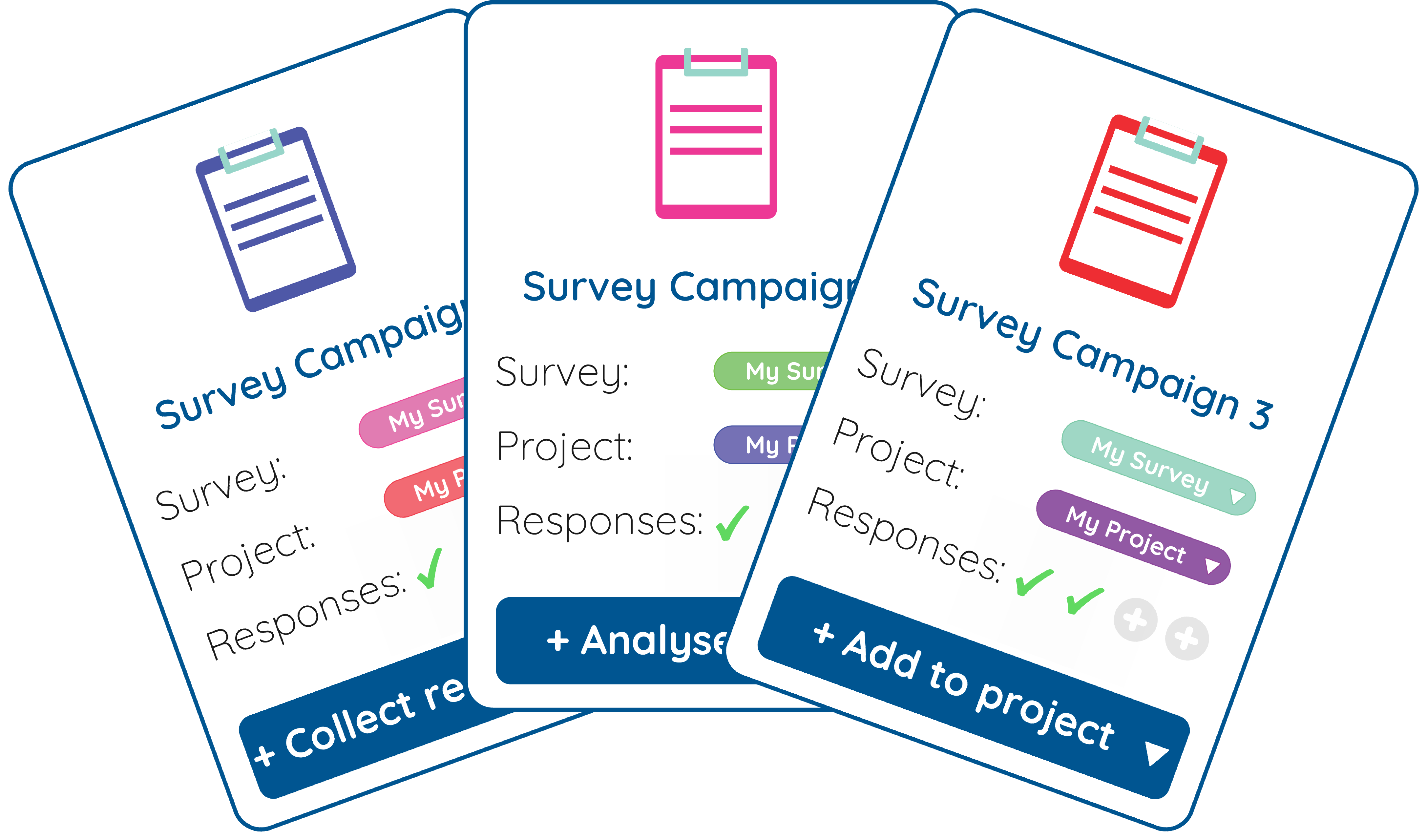
Understand how people’s answers change over time. Browse a table showing a row for each respondent and a column for each question time a question has been answered.
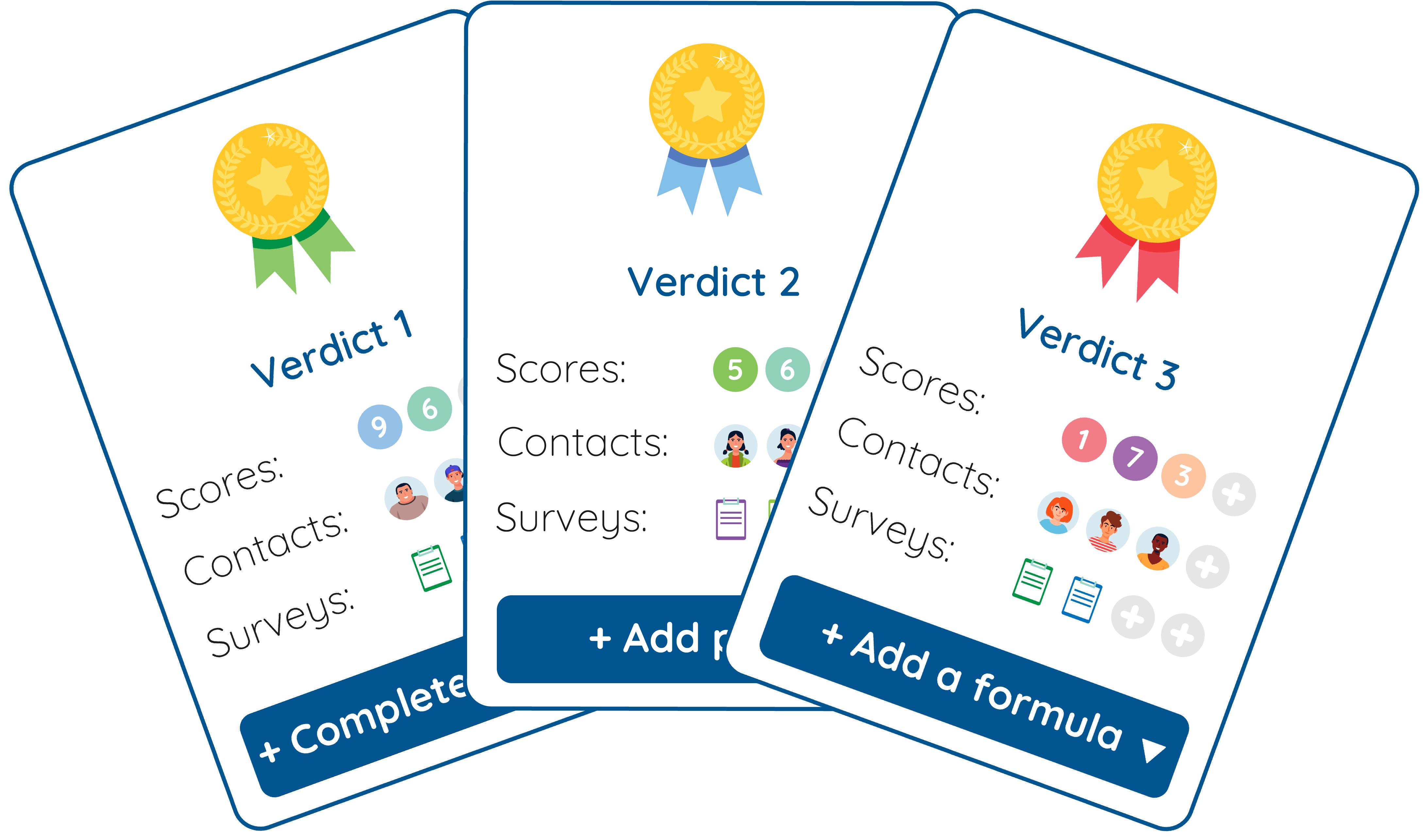
See the scores and verdicts from survey responses over time. See whose improved, worsened or stayed the same and the mean averages.
About
| Uploaded by: | Makerble Templates |
At 3, 6 and 12 months: psychological safety, empowerment, impact and experience, plus longer-term progress.
Similar Surveys
-
<div>The Pastoral Counselling Center- Brief Adolescent Outcome Behaviour questionnaire ...
-
<div>The Adolescent Wellbeing Scale was devised by Birleson to pick up possible depress...
-
<div>This survey is ideal for schools, colleges, training providers, and career service...
Section – Psychological Safety
Q1.
Young Mentor Feels Safe to Speak Honestly (single choice)
How safe do you feel speaking honestly with your leader?
| 1, Not at all | 2 | 3 | 4 | 5 | 6 | 7 | 8 | 9 | 10, Completely |
Dropdown List used: Scale - Low to High - 10 options
Q2.
Young Mentor Feels Listened To (single choice)
Do you feel listened to?
| 1, Not at all | 2 | 3 | 4 | 5 | 6 | 7 | 8 | 9 | 10, Completely |
Dropdown List used: Scale - Low to High - 10 options
Q3.
Leader is Open to Challenge (single choice)
Is your leader open to being challenged?
| Yes | Somewhat | No |
Dropdown List used: Leader is Open to Challenge - 3 options
Q4.
Power Dynamics Acknowledged (single choice)
Has your leader explicitly acknowledged that you are the expert and they are the learner?
| Yes | No |
Dropdown List used: Yes / No - 2 options
Section – Empowerment
Q5.
Confidence Speaking to Senior Leaders (single choice)
How confident do you feel speaking to senior leaders?
| 1, Not at all | 2 | 3 | 4 | 5 | 6 | 7 | 8 | 9 | 10, Completely |
Dropdown List used: Scale - Low to High - 10 options
Q6.
Feels Voice is Valued (single choice)
Do you feel your voice is valued?
| 1, Not at all | 2 | 3 | 4 | 5 | 6 | 7 | 8 | 9 | 10, Completely |
Dropdown List used: Scale - Low to High - 10 options
Q7.
Youth Leadership Skills (single choice)
How would you rate your leadership skills (communication, influencing, critical thinking)?
| 1, Not at all | 2 | 3 | 4 | 5 | 6 | 7 | 8 | 9 | 10, Completely |
Dropdown List used: Scale - Low to High - 10 options
Q8.
Understands How Organisations Work (single choice)
How well do you understand how organisations work?
| 1, Not at all | 2 | 3 | 4 | 5 | 6 | 7 | 8 | 9 | 10, Completely |
Dropdown List used: Scale - Low to High - 10 options
Section – Impact
Q9.
Leader Changed a Decision (young mentor view) (single choice)
Has your leader made any decisions differently because of your input?
| Yes | No |
Dropdown List used: Yes / No - 2 options
Q10.
Feels They Are Making a Difference (single choice)
Do you feel you're making a difference?
| 1, Not at all | 2 | 3 | 4 | 5 | 6 | 7 | 8 | 9 | 10, Completely |
Dropdown List used: Scale - Low to High - 10 options
Section – Beyond the Programme (6 and 12 months)
Q11.
Leadership Skills Applied (single choice)
Have you used your leadership skills in other settings?
| Yes | No |
Dropdown List used: Yes / No - 2 options
Q12.
Career or Education Confidence (single choice)
How confident do you feel about your career or education?
| 1, Not at all | 2 | 3 | 4 | 5 | 6 | 7 | 8 | 9 | 10, Completely |
Dropdown List used: Scale - Low to High - 10 options
Q13.
Network Expanded (single choice)
Has your mentor connected you to helpful people or opportunities?
| Yes | No |
Dropdown List used: Yes / No - 2 options
Q14.
Gives Back to Other Young People (single choice)
Are you mentoring or supporting other young people?
| Yes | No |
Dropdown List used: Yes / No - 2 options
Q15.
Career or Education Progress (single choice)
Have you progressed in your career or education?
| Yes | No |
Dropdown List used: Yes / No - 2 options
Q16.
Continues Advocating (single choice)
Are you still using your voice in leadership settings?
| Yes | No |
Dropdown List used: Yes / No - 2 options
Q17.
Mentors Other Young People (single choice)
Are you mentoring other young people?
| Yes | No |
Dropdown List used: Yes / No - 2 options
Section – Experience
Q18.
What's working well? (Text)
This question will appear once within your story or survey response.
Q19.
What would make it better? (Text)
This question will appear once within your story or survey response.
Collect survey responses

360°
 360°

Universal
 Universal

Tracked
 Tracked

Anonymised
Anonymised

Import
 Import

API
 API

Filled in by a Colleague: 1 contact at a time
Filled in by a Colleague: 1 contact at a time

Filled in by a Colleague: Several at once
 Filled in by a Colleague: Several at once

Filled in by a Colleague: Manual Headcount
 Filled in by a Colleague: Manual Headcount

Universal Manual Headcount
 Universal Manual Headcount

Multi-stage
 Multi-stage

Branded Portal
 Branded Portal

Automation
 Automation

360° Assessment
360° Assessment