 Interval Versions




Choose a Project
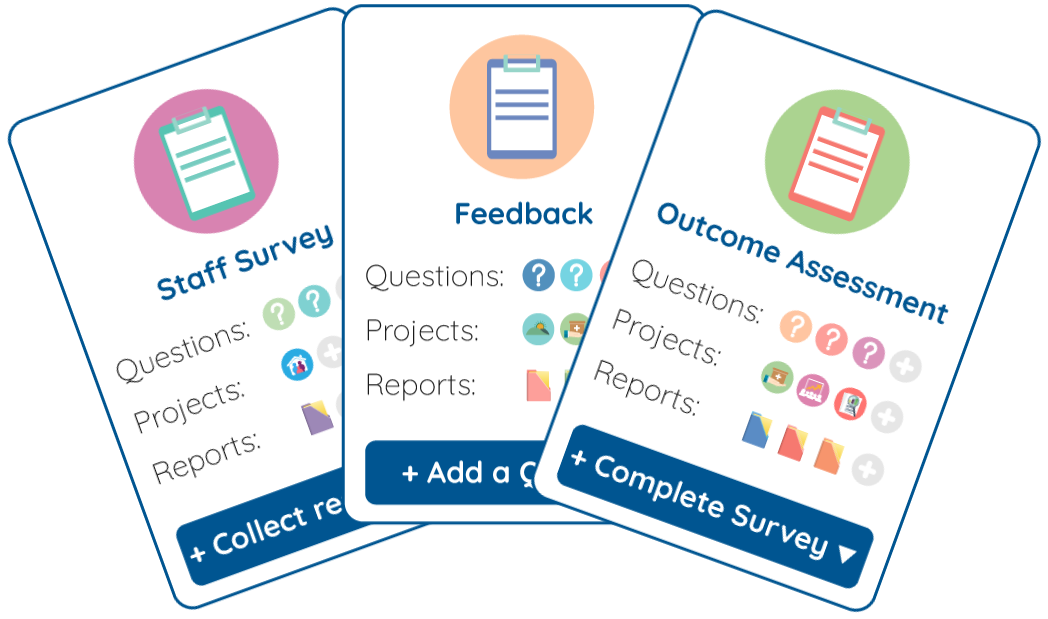
Befriending and Social Connection: Volunteer Impact Log is used by 0 projects across your organisations.

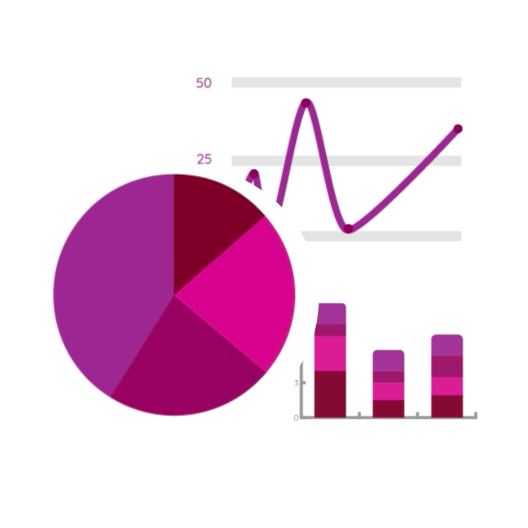
Explore bar charts, pie charts and outcome rings. Download graphs, export raw results and see tabulated responses to each question.
Understand how people’s answers change over time. Browse a table showing a row for each respondent and a column for each question time a question has been answered.
See the scores and verdicts from survey responses over time. See whose improved, worsened or stayed the same and the mean averages.
About
| Uploaded by: | Makerble Templates |
Completed by befrienders after visits: a second view of the member's wellbeing, spotting early signs of decline or improvement.
Similar Surveys
-
<div>This scale measures individual subjective feelings of loneliness and social isolat...
-
<div>This scale assesses “relational authenticity”, meaning the attitudes people have a...
-
<div>The Berkman-Syme Social Network Index (SNI) is a self-reported questionnaire for u...
Q1.
Visit Consistency (single choice)
Did the scheduled visit or call take place this week?
| Yes - as planned | No - Rescheduled | No - Cancelled |
Dropdown List used: Visit Consistency
Q2.
Observed Mood (single choice)
How would you rate the member’s general mood and spirits during your time together today?
| 1: Very Low | 2 | 3 | 4 | 5: Neutral | 6 | 7 | 8 | 9 | 10: Very High |
Dropdown List used: Observed Mood
Q3.
Interaction Quality (single choice)
How would you describe the depth of your conversation today?
| Short/Functional | 2 | 3 | 4 | Deep/Meaningful |
Dropdown List used: Interaction Quality
Q4.
Health Red Flags (single choice)
Did you notice any significant changes in the member's physical health, mobility or memory?
| No concerns | Minor concern (to monitor) | Significant concern (Action required) |
Dropdown List used: Health Red Flags
Q5.
Encouraging Autonomy
Did you support the member in doing something for themselves today (e.g., booking an appointment, trying a new hobby)?
Q6.
Support Referral Need (single choice)
Does the member require a referral for additional support (e.g., social services, blue badge, debt advice)?
| Yes - requested by member | Yes - I recommended | No |
Dropdown List used: Support Referral Need
Q7.
Tech Support Provided
Did you spend any time today helping the member use a digital device or the internet?
Q8.
Volunteer Training Needs (single choice)
Is there a specific topic (e.g., dementia, bereavement) you feel you need more training in to support this member?
| Yes | No |
Dropdown List used: Answers: Yes or No
Q9.
Training topic details (Text)
This question will appear once within your story or survey response.
Q10.
Mutual Benefit (single choice)
To what extent did you personally find today's interaction rewarding?
| Not at all | 2 | 3 | 4 | 5 | 6 | 7 | 8 | 9 | Extremely |
Dropdown List used: Mutual Benefit
Q11.
Group Event Interest (single choice)
Did the member express interest in attending any of our upcoming group social events?
| Yes | No |
Dropdown List used: Answers: Yes or No
Q12.
Events of interest (Text)
This question will appear once within your story or survey response.
Collect survey responses

360°
 360°

Universal
 Universal

Tracked
 Tracked

Anonymised
Anonymised

Import
 Import

API
 API

Filled in by a Colleague: 1 contact at a time
Filled in by a Colleague: 1 contact at a time

Filled in by a Colleague: Several at once
 Filled in by a Colleague: Several at once

Filled in by a Colleague: Manual Headcount
 Filled in by a Colleague: Manual Headcount

Universal Manual Headcount
 Universal Manual Headcount

Multi-stage
 Multi-stage

Branded Portal
 Branded Portal

Automation
 Automation

360° Assessment
360° Assessment