 Interval Versions




Choose a Project
Equine-Assisted Activities: Progress Review is used by 0 projects across your organisations.

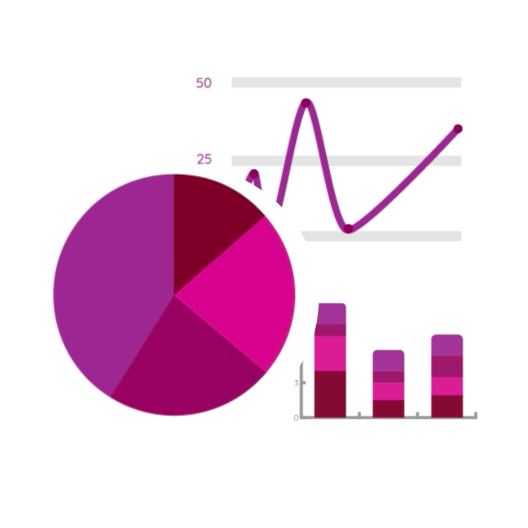
Explore bar charts, pie charts and outcome rings. Download graphs, export raw results and see tabulated responses to each question.
Understand how people’s answers change over time. Browse a table showing a row for each respondent and a column for each question time a question has been answered.
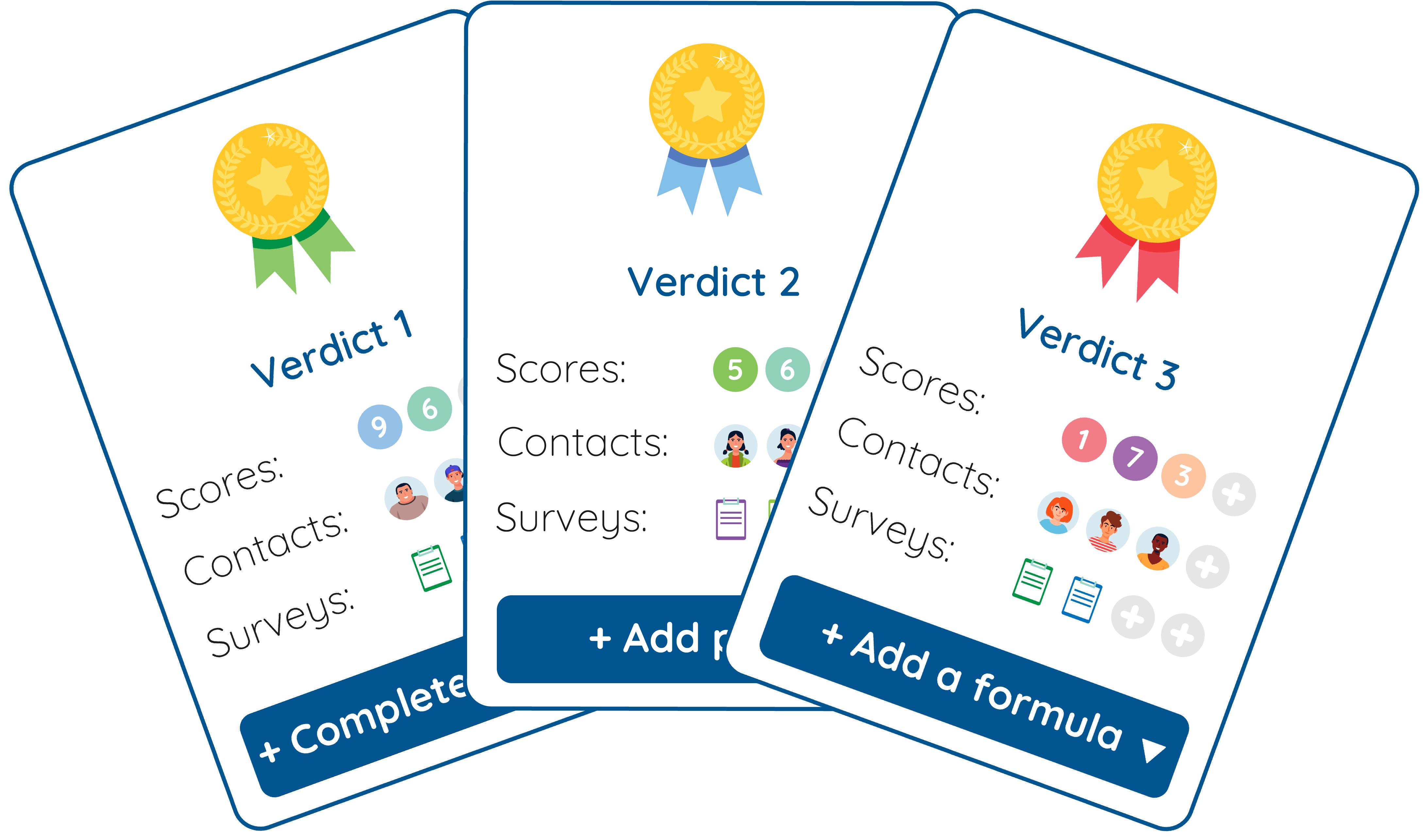
See the scores and verdicts from survey responses over time. See whose improved, worsened or stayed the same and the mean averages.
About
| Uploaded by: | Makerble Templates |
Every 6–8 weeks or 10–12 sessions: key indicators, emotional regulation, physical function and reflection on progress.
Tags
Causes :
Children & Young People, Health, Learning & Personal Development, Mental Health & Emotional Wellbeing
Sub Causes :
Confidence & self-esteem, Disability & rehabilitation, Mental health & wellbeing, Physical health & fitness, Resilience & coping, Stress & anxiety management, Therapy & professional support, Youth mental health
Similar Surveys
-
use this when evaluating (XYSZ c=kidn of project)
-
<div>The Rosenberg Self-Esteem Scale is a 10-item self-report measure of global self-es...
-
<div>This scale measures individual subjective feelings of loneliness and social isolat...
Section – Relationship with Horses
Q1.
Comfort Around Horses (single choice)
How comfortable do you feel around horses?
| 1, Not at all | 2 | 3 | 4 | 5 | 6 | 7 | 8 | 9 | 10, Completely |
Dropdown List used: Scale - Low to High - 10 options
Q2.
Trust in the Horse (single choice)
How much do you trust the horse you work with?
| 1, Not at all | 2 | 3 | 4 | 5 | 6 | 7 | 8 | 9 | 10, Completely |
Dropdown List used: Scale - Low to High - 10 options
Q3.
Confidence Handling Horses (single choice)
How confident do you feel grooming, leading or caring for a horse?
| 1, Not at all | 2 | 3 | 4 | 5 | 6 | 7 | 8 | 9 | 10, Completely |
Dropdown List used: Scale - Low to High - 10 options
Q4.
Enjoys Time with Horses (single choice)
How much do you enjoy spending time with the horses?
| 1, Not at all | 2 | 3 | 4 | 5, Completely |
Dropdown List used: Scale - Low to High - 5 options
Q5.
Engaged in Sessions (single choice)
Session Engagement - Staff assessment: How engaged is the participant during sessions?
| 1, Not at all | 2 | 3 | 4 | 5, Completely |
Dropdown List used: Scale - Low to High - 5 options
Section – Emotional Regulation
Q6.
Feels Calm After Sessions (single choice)
How calm and relaxed do you feel after spending time with the horses?
| 1, Not at all | 2 | 3 | 4 | 5 | 6 | 7 | 8 | 9 | 10, Completely |
Dropdown List used: Scale - Low to High - 10 options
Q7.
Emotional Regulation (single choice)
How well can you manage your emotions when you're upset, angry or anxious?
| 1, Not at all | 2 | 3 | 4 | 5 | 6 | 7 | 8 | 9 | 10, Completely |
Dropdown List used: Scale - Low to High - 10 options
Q8.
Uses Calming Strategies (unlimited multiple choice)
Do you use any strategies you've learned with the horses to calm yourself in daily life?
| Yes - breathing | Yes - grounding | Yes - connecting to nature | Yes - other | No |
Dropdown List used: Uses Calming Strategies - 5 options
Q9.
Emotional Awareness (single choice)
How well do you understand your own emotions and what triggers them?
| 1, Not at all | 2 | 3 | 4 | 5 | 6 | 7 | 8 | 9 | 10, Completely |
Dropdown List used: Scale - Low to High - 10 options
Q10.
Reduced Anger or Aggression (single choice)
How often do you feel angry or lose your temper?
| 1, Not at all | 2 | 3 | 4 | 5 | 6 | 7 | 8 | 9 | 10, Completely |
Dropdown List used: Scale - Low to High - 10 options
Section – Emotional Wellbeing
Q11.
SWEMWBS Total Score
SWEMWBS total score (7 to 35, from the seven Short Warwick-Edinburgh questions)
Q12.
Mental Wellbeing (single choice)
How would you rate your mental health and wellbeing right now?
| 1 | 2 | 3 | 4 | 5 | 6 | 7 | 8 | 9 | 10 |
Dropdown List used: Physical Health
Q13.
Anxiety Levels (single choice)
How anxious or worried do you feel on a typical day?
| 1, Not at all | 2 | 3 | 4 | 5 | 6 | 7 | 8 | 9 | 10, Completely |
Dropdown List used: Scale - Low to High - 10 options
Q14.
Stress Levels (single choice)
How stressed do you feel?
| 1, Not at all | 2 | 3 | 4 | 5 | 6 | 7 | 8 | 9 | 10, Completely |
Dropdown List used: Scale - Low to High - 10 options
Section – Confidence and Skills
Q15.
General Confidence (1–10) (single choice)
How confident do you feel in yourself generally?
| 1, Not at all | 2 | 3 | 4 | 5 | 6 | 7 | 8 | 9 | 10, Completely |
Dropdown List used: Scale - Low to High - 10 options
Q16.
Resilience (single choice)
How well do you bounce back from setbacks?
| 1 | 2 | 3 | 4 | 5 | 6 | 7 | 8 | 9 | 10 |
Dropdown List used: Self-Confidence
Q17.
Problem-Solving (1–10) (single choice)
How confident do you feel working out solutions to problems?
| 1, Not at all | 2 | 3 | 4 | 5 | 6 | 7 | 8 | 9 | 10, Completely |
Dropdown List used: Scale - Low to High - 10 options
Section – Physical Function (if applicable)
Q18.
Balance (single choice)
Balance
| 1, Not at all | 2 | 3 | 4 | 5, Completely |
Dropdown List used: Scale - Low to High - 5 options
Q19.
Core Strength (single choice)
Core Strength
| 1, Not at all | 2 | 3 | 4 | 5, Completely |
Dropdown List used: Scale - Low to High - 5 options
Q20.
Riding Skill Level (single choice)
Riding Ability
| Not yet riding | Beginner | Developing | Competent | Advanced |
Dropdown List used: Riding Skill Level - 5 options
Q21.
Functional Independence (single choice)
How independently can you do the physical activities that matter to you?
| 1, Not at all | 2 | 3 | 4 | 5 | 6 | 7 | 8 | 9 | 10, Completely |
Dropdown List used: Scale - Low to High - 10 options
Section – Progress Reflection
Q22.
What has helped most (Text)
This question will appear once within your story or survey response.
Q23.
Finding difficult (Text)
This question will appear once within your story or survey response.
Collect survey responses

360°
 360°

Universal
 Universal

Tracked
 Tracked

Anonymised
Anonymised

Import
 Import

API
 API

Filled in by a Colleague: 1 contact at a time
Filled in by a Colleague: 1 contact at a time

Filled in by a Colleague: Several at once
 Filled in by a Colleague: Several at once

Filled in by a Colleague: Manual Headcount
 Filled in by a Colleague: Manual Headcount

Universal Manual Headcount
 Universal Manual Headcount

Multi-stage
 Multi-stage

Branded Portal
 Branded Portal

Automation
 Automation

360° Assessment
360° Assessment